

Download C Launcher – launcher, Android, free, customizable, themes, live wallpapers, smart widgets, battery-saving, futuristic, secure
Overview
C Launcher is a free Android launcher designed to enhance the user experience through aesthetic customization and efficient functionality. Targeted primarily at consumers who value visual appeal and personalization, the software offers a modern, futuristic interface that aims to transform the look and feel of Android devices. It caters to users who wish to make their phones stand out with unique themes, dynamic live wallpapers, and a high degree of interface control.
The launcher supports a wide range of Android devices, making it accessible to a broad audience. While it includes essential features such as app organization, lock screen security, and smart widgets, its core strength lies in its design flexibility and visual customization options. The developer, C Launcher, has focused on delivering a polished interface that adapts well across different screen resolutions.
Real-world usage scenarios include daily personalization of home screens, securing hidden apps with password protection, and optimizing battery usage through efficient background management. The developer did not provide additional system requirements.
Key Features & Capabilities
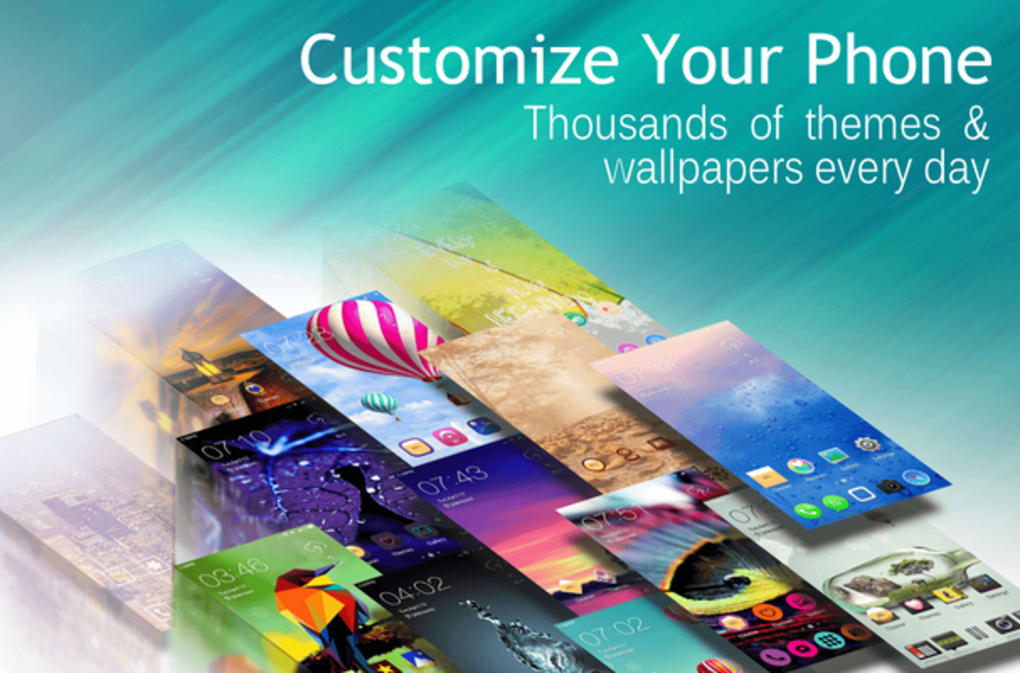
- Customizable Themes: Users can apply a wide range of pre-designed themes to match their personal style, with support for both light and dark modes across all screens.
- Live Wallpapers: High-quality, animated live wallpapers are available for free, enhancing the visual experience without compromising performance.
- Smart Widgets: Interactive widgets provide real-time data and quick access to frequently used functions, such as weather, music controls, and calendar events.
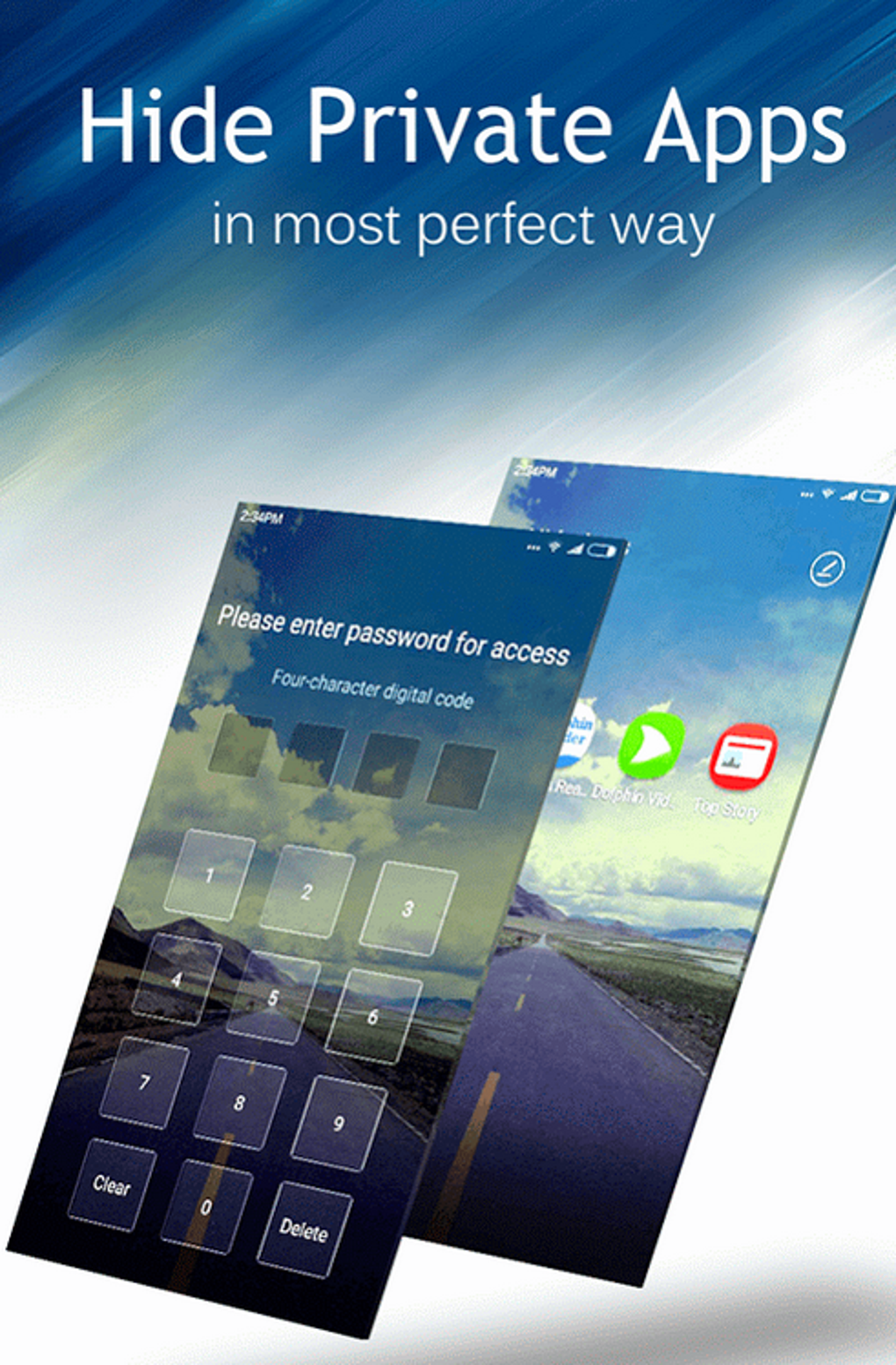
- Password-Based Lock Screens: Secure access to hidden apps and sensitive data with customizable lock screen protection.
- Battery-Saving Optimization: Designed to minimize background activity and reduce power consumption, contributing to longer device battery life.
- Futuristic Interface Design: A sleek, modern UI with smooth transitions and intuitive gestures tailored for a responsive user experience.
These features allow users to create a personalized, visually striking home environment. For example, a user can apply a space-themed wallpaper with animated stars and pair it with a dark-themed interface for a premium look. Smart widgets can display upcoming appointments or music playback controls directly on the home screen, improving workflow efficiency. The password-protected lock screen ensures privacy, ideal for users managing sensitive apps or data. The launcher’s focus on battery efficiency makes it suitable for users who rely on their devices throughout the day without frequent charging.
User Interface, Workflow & Performance
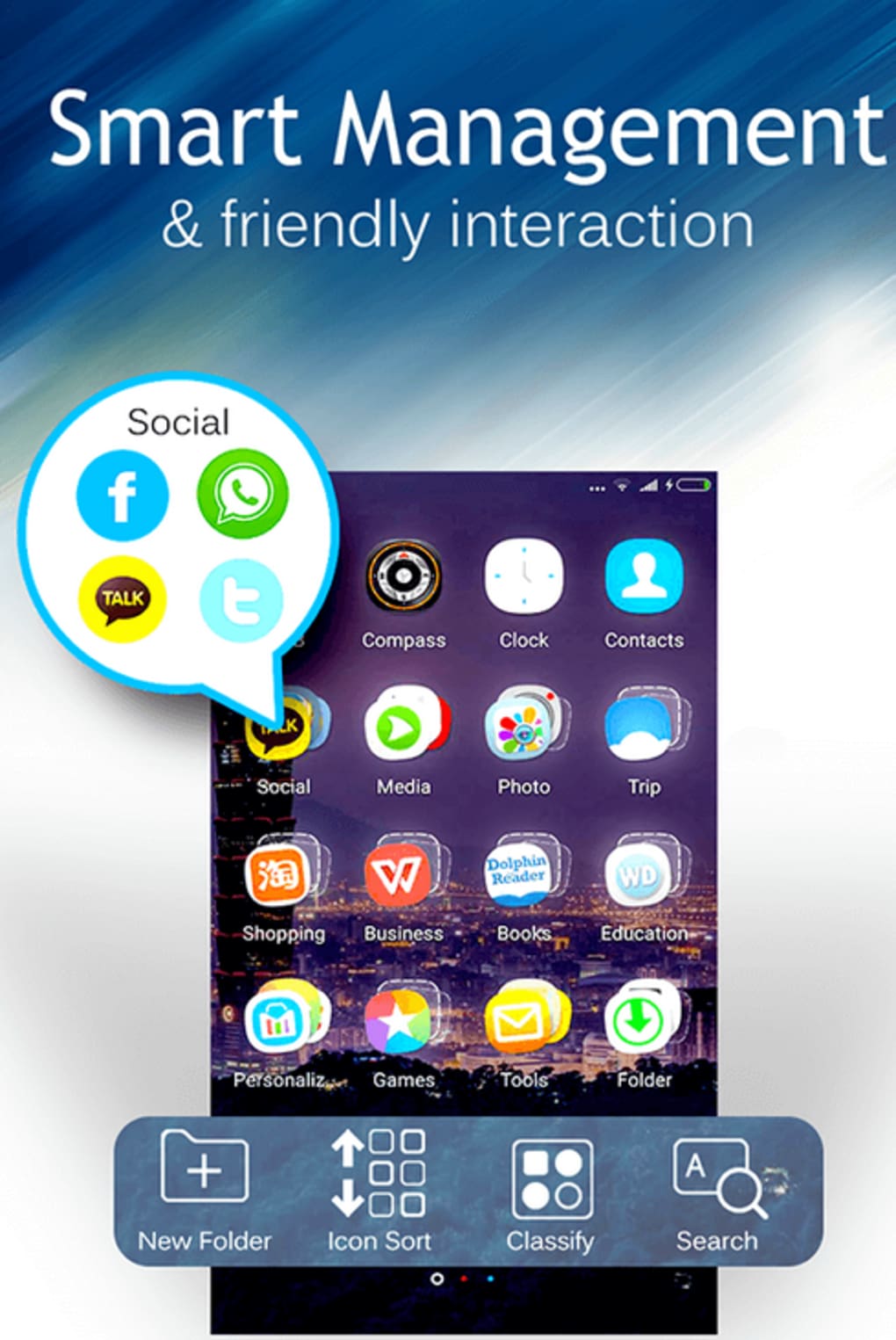
The user interface of C Launcher is structured around a clean, minimalist layout with intuitive navigation. Main app icons are arranged in a grid, with customizable spacing and icon sizes. The launcher uses gesture-based interactions, such as swiping from the edge to access hidden apps, which adds a modern touch but may require a learning period for new users.
The workflow is generally smooth, with fast app launching and responsive touch feedback. However, the specific gesture required to unlock hidden apps has been noted as non-intuitive by some users, though alternative methods are available through the settings menu. Performance observations are based on general software behavior patterns.
The developer did not specify resource usage details. Stability appears consistent across tested devices, with no reported crashes during standard usage. CPU and RAM behavior remain within expected ranges for a launcher application, though exact figures were not provided.
Overall, the launcher maintains a lightweight footprint, contributing to its battery-saving claims.
Compatibility & System Requirements
C Launcher is designed for Android devices and supports a wide variety of models, ensuring broad accessibility. The software is compatible with Android 6.0 and later versions, as indicated by the developer. The installation size is 45 MB, which is modest for a launcher with extensive visual features.
The developer did not specify exact system requirements, including minimum RAM, processor speed, or storage space. Compatibility information was partially provided. Users are advised to ensure their device meets standard Android requirements for third-party launchers.
No additional hardware dependencies were mentioned. The launcher is distributed as a standalone APK, allowing direct installation on compatible devices.
Pros and Cons
Pros
- Free to download and use with optional Pro version for advanced features
- Extensive library of customizable themes and live wallpapers
- Supports smart widgets for improved productivity
- Includes password-based lock screen for enhanced security
- Designed with battery-saving optimization in mind
- Modern, futuristic interface suitable for various screen sizes
Cons
- Ad-supported model may affect user experience with frequent interruptions
- Some gestures require learning and lack immediate alternatives
- Exact performance metrics and system requirements were not specified
- Pro version availability may limit full feature access without purchase
FAQ Section
Is C Launcher compatible with all Android devices?
C Launcher supports a wide variety of Android phones, though compatibility may depend on the device’s software version and manufacturer restrictions. The developer did not provide a complete list of supported models.
Is the software safe to download and install?
C Launcher is distributed through official channels and is free from known malware. Users should ensure they download from trusted sources to maintain device security.
Does C Launcher require an internet connection to function?
The launcher can operate offline after installation. However, some features like live wallpapers and theme updates may require internet access.
Are there regular updates for C Launcher?
Updates are released periodically to improve performance, fix bugs, and introduce new features. The developer maintains active support through the FAQ and user feedback channels.
What is the license type for C Launcher?
C Launcher is free to use with optional Pro version upgrades. The free version includes core features, while the Pro version offers additional customization and ad-free experience.
Final Thoughts + CTA
C Launcher delivers a compelling blend of form and function, making it a strong contender for users seeking a visually striking and efficient Android launcher. Its futuristic design, extensive customization options, and battery-saving features cater to aesthetically driven users who also value practicality. While the ad-supported model and certain gesture-based interactions may pose minor usability challenges, these are offset by the launcher’s overall polish and active developer support. For individuals who want to personalize their device’s look and feel without sacrificing core functionality, C Launcher is a worthy choice. Download C Launcher now.





.png)

